Blog › Digital Detox › Students
Digital Detox for Students: Realistic Steps to Study Without Your Phone Taking Over
By Satyavadan Prakhya · November 3, 2026 · 7 min read
You don't need to throw your phone in a lake to study well. You need it to stop deciding for you when to look at it. For most students the phone is also the dictionary, the class group, the timetable and the music player – so a realistic digital detox is about fewer interruptions, not zero technology.
Here are practical steps that fit real student life: hostels, shared rooms, class WhatsApp groups and online lectures included.
Why it matters for studying
- Every check breaks your focus. Even a 10-second glance pulls your attention away, and getting fully back into a hard problem takes much longer than the glance itself.
- A phone nearby is distracting even when it's silent. Part of your mind keeps waiting for it. Out of sight works better than face-down.
- Late-night scrolling costs sleep, and sleep is when your brain stores what you studied. See Sleep and Studying.
First, a 2-minute honest check
Open your screen time report and note three numbers: daily screen time, number of pickups and your top 3 apps. Don't judge them – just write them down. You'll compare after two weeks.
📱 Where the settings are: on iPhone, go to Settings → Screen Time (daily report, App Limits, Downtime) and Settings → Focus. On Android, go to Settings → Digital Wellbeing & parental controls (dashboard, app timers, Bedtime mode, Focus mode). Names differ slightly by phone brand and version.
Day 1: set up your phone (20 minutes, once)
- Turn off non-essential notifications. Keep calls, messages from family, and your college/exam apps. Turn off notifications for social media, shopping, games and news.
- Mute busy groups, don't leave them. Mute big class or friends' groups and check them twice a day. Keep the one group with official updates unmuted.
- Move distracting apps off your home screen into a folder on the last page. One extra swipe is often enough to break the habit.
- Log out of social media in the browser on your laptop, so it isn't one tab away while you study.
- Set a daily app limit for your biggest time-eater – start at about 80% of your current use, not zero.
During study time
- Phone in another room or in your bag – not on the desk. If you need it for music, download a playlist and use airplane mode.
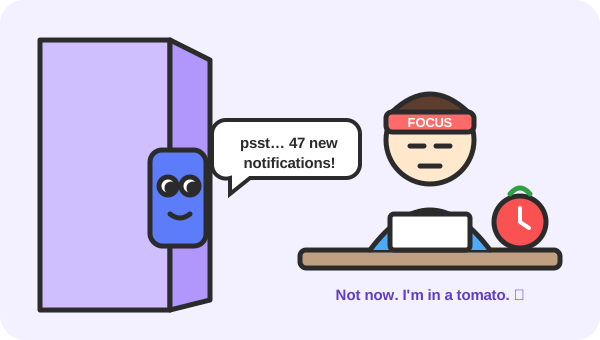
- Study in focus sessions. Use the Pomodoro timer: 25 minutes of work, then a 5-minute break. Check your phone only in the longer break, so it becomes a reward, not a reflex.
- Keep a “later” list. When you suddenly want to look something up or reply to someone, write it on paper and do it in the break.
- Use a focus or study mode that allows only calls from family.
- Studying with friends? Try the phone stack: everyone puts their phone in the middle until the session ends.
💡 Tip: If you need your phone for an authenticator app or online class, put that one app on an otherwise empty home screen and turn on grayscale mode – a colourless screen is far less tempting.
Evenings and sleep
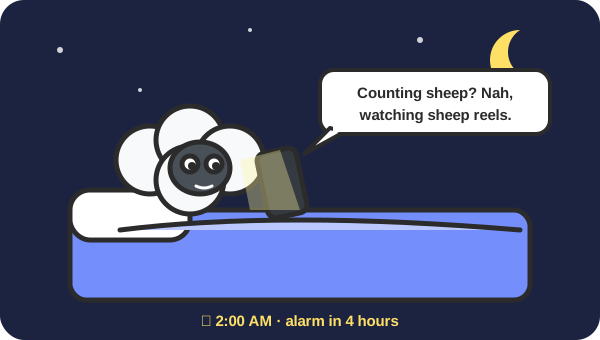
- Screens off 30–60 minutes before bed. Start with 30 – realistic beats perfect.
- Charge your phone away from your bed and use a cheap alarm clock, so the phone isn't the first and last thing you see.
- Turn on bedtime / downtime mode on a schedule, so you don't have to decide every night.
- If you share a room, agree on lights-and-phones-off time with your roommate.
Social media without quitting
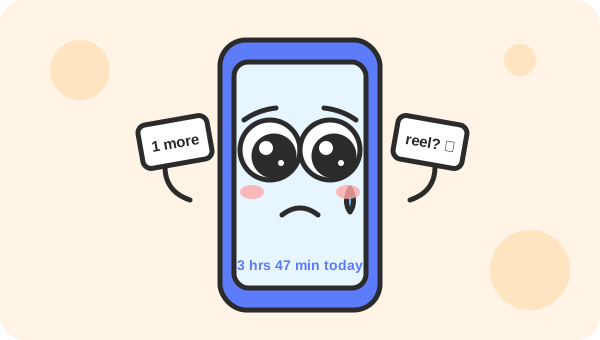
- Pick two fixed times (for example after lunch and after dinner, 15 minutes each) instead of all day.
- Unfollow accounts that make you feel behind or anxious, and follow a few that teach you something.
- Turn off autoplay and avoid short-video feeds during exam weeks – they're designed to never end.
- Watch videos on a laptop rather than your phone; it's harder to binge.
During exams
- Delete (don't just hide) your most distracting app for the exam weeks. You can reinstall it the day exams finish.
- Tell friends and family you'll reply in the evening. Most people are fine with that.
- Add your exam dates to a countdown with a task list – seeing “12 days left” is a strong reason to put the phone away.
What to do instead
Detox fails when it leaves a gap. Fill your breaks with something easy: a short walk, stretching, a glass of water, talking to a friend, a few pages of a book, or just looking out of the window. Boredom is fine – it's often when good ideas arrive.
A realistic 2-week plan
| Days | Focus on |
|---|---|
| 1–2 | Note your screen time, turn off notifications, mute groups, move apps off the home screen |
| 3–5 | Phone out of the room during two study sessions a day |
| 6–7 | Phone charges outside your bed area; 30 minutes screen-free before sleep |
| 8–10 | Social media at two fixed times only; app limit on your top app |
| 11–13 | One half-day offline at the weekend – go out, play a sport, meet friends |
| 14 | Compare your numbers with day 1. Keep what worked, drop what didn't |
If you slip
You will have days when you scroll for two hours. That's normal. Don't restart from zero – just do the next study session with your phone in another room. Small, repeated wins build the habit.
If you feel you can't control your phone use, or it's affecting your mood, sleep or grades badly, talk to someone you trust or your college counsellor. Asking for help is a smart move, not a weakness.
Helpful tools
- A timed phone lock box – locks your phone away for the length of a study session.
- A simple alarm clock – so your phone can charge outside your bedroom.
- Digital Minimalism by Cal Newport – a calm, practical book about using technology on purpose.
As an Amazon Associate, Study Timer earns from qualifying purchases. This doesn't change the price you pay.
Phone away? Start your first focus session now.
Start the free focus timer →